






















 Community · Discord
Announcements your server actually sees.
Schedule posts to your Discord channels from the same calendar you use for every other network — so your community hears it when everyone else does, not three days later.
Summer menu drops tomorrow — first 50 orders get a free cold brew. 🧊

You pick the server and the channel. Nothing else moves.
Connecting takes you to Discord, where you choose which server Ocoya can post in and exactly which channel it lands in. It posts there and nowhere else — it cannot wander into your private channels or read what your members are saying.
- The channel is chosen on Discord, not in a settings box here
- One connection per channel, so #announcements and #general stay separate
- Remove it from Discord whenever you like
Which server?
Roastery HQ
4,182 members
Which channel?
You pick both on Discord’s own screen, not in a settings box here. Ocoya only ever posts to the channel you chose.
A 3am post should not wake 4,000 people.
The whole point of scheduling is that things go out while you are asleep — which is exactly when an accidental @everyone does the most damage. Ocoya publishes with mentions switched off, so a scheduled announcement is waiting in the channel in the morning instead of buzzing every phone in your server overnight.
Announcements your members follow still show up as unread. It is the server-wide alert that stays off.
Restock is live. Beans are back in the shop. ☕
Not this
4,182 phones buzzing at three in the morning
This
Waiting in the channel when they wake up
Scheduled posts go out with mentions switched off, so an overnight announcement can never set off a server-wide alert by accident. Need the ping? Send that one by hand.
The photos go out with the message, not after it.
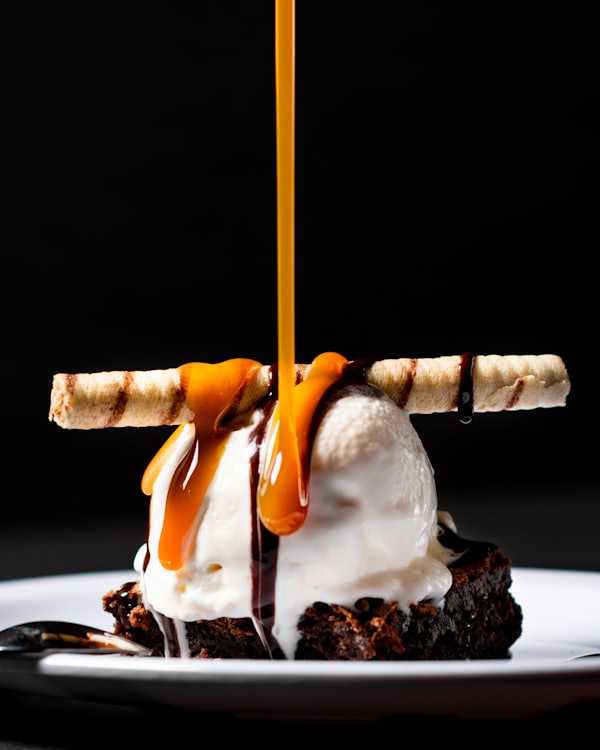
A Discord post is not just text. Put the product shots, the recording and the copy on one message and it lands as a single announcement — designed in Studio and scheduled in the same place as everything else.
- Up to ten files on one message
- Photos, video and documents together
- Design the visual in Studio without leaving the calendar
2.1 MB
1.8 MB

3.4 MB
Photos, video and files all go on the same message, so a drop arrives as one post rather than five in a row.
The limits, before you hit them.
Ocoya checks these while you write, rather than letting the post fail on the day it was meant to go out.
Posts arrive from your own app, with your name and picture on them, in the channel you picked when you connected.

Running a paid community too?
Plenty of Discord servers have a Whop alongside them. Select both on one draft and the same announcement reaches the channel and the forum at the same minute, written once.
See the Whop integrationAnnounce it automatically
Point a workflow at your store or your blog and let every new product or article announce itself — a Generate text step writes it, a Post to Discord step puts it in the channel you choose.
See WorkflowsKeep your server in the loop.
Connect Discord and schedule your next announcement in a minute.