















 Social · Dribbble
Ship the shot on the day you ship the work.
Schedule Dribbble shots from the same calendar as every other network. Title, description and tags in one composer — and the image sized the way Dribbble wants it without you touching a crop tool.
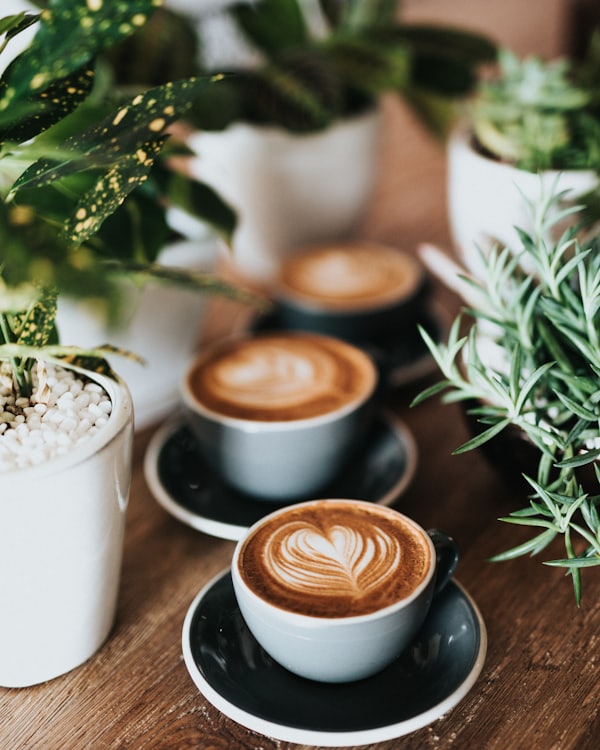
800 × 600
Title
Summer menu — packaging exploration
Description
Three cold brews, three labels. Testing a warmer palette than last season.
Tags — lifted from your hashtags
Dribbble takes two image sizes. Nothing else.
Dribbble accepts a shot at exactly 400x300 or 800x600 and turns down everything else. Anything that is not already one of those is centred and cropped to 800x600 for you, so you are not opening a design tool again just to post work you have already finished.
- One image per shot, up to 8 MB
- JPG, PNG or an animated GIF
- Shots are images — Dribbble has nowhere to put a video
You upload
1400 x 1400
Dribbble gets
800 x 600
Already 400 x 300 or 800 x 600? It goes up untouched. Anything else is centred and cropped for you, so a shot is never turned down for being the wrong size.
Post the work on the day you finish it.
Dribbble is where the work gets seen by people who hire for it, and it is usually the last place a studio posts. A shot goes out beside the Instagram carousel and the LinkedIn write-up about the same project, instead of three days later.
Hashtags in your caption are lifted into Dribbble's tags field, up to twelve, and the description keeps your text verbatim.
Shot — packaging exploration
Carousel — three labels

Write-up — why we went warmer
One piece of work, three audiences, one calendar.
The limits, before you hit them.
Ocoya checks these while you write, rather than letting the post fail on the day it was meant to go out.
Connecting asks Dribbble for two things: your public profile, so the connection is named after it, and permission to upload shots. The connection lasts until you disconnect it, so there is nothing to reconnect every few weeks.
Design it in the same tab
Build the shot in Design Studio, export it at 800×600, and schedule it without leaving the calendar — brand colours and fonts already applied.
See Design StudioPut your work where the work gets found.
Connect Dribbble and schedule your next shot in a minute.