
























 Streaming · Kick
Your channel chat, on the schedule.
Kick has no post feed — chat is where a channel speaks. Ocoya schedules messages to it from the same calendar as every other network, and turns a long caption into a chain of replies rather than cutting it off.
Going live in 30 — new cold brew tasting, and we are picking next season’s label live on stream.
Poll is in the description. Bring opinions. ☕
An emoji costs more than it looks.
Kick limits a chat message twice over, and emoji take up several letters' worth of room each. A message can look comfortably short and still be too big to send — which is exactly the kind of thing you do not want to discover the minute you go live.
- Emoji and accents counted for the room they really take
- Long captions split where they actually need to
- You find out in the composer, not after the stream starts
Letters only
The same length, with emoji 🎉☕🔥
The second message is shorter and still nearly full — an emoji takes up several letters’ worth of room. Ocoya works this out for you, so a message that looks fine in the composer does not bounce on the way out.
The go-live shout belongs next to everything else.
A stream announcement sits beside the YouTube Short and the Instagram post about the same session, so a launch goes out everywhere on one schedule instead of being the thing you remember at 19:29.

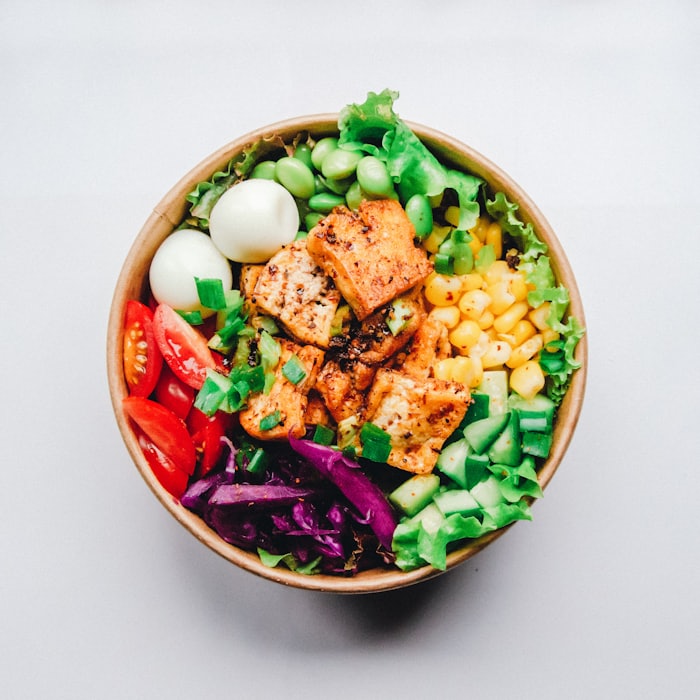
Teaser reel — tasting setup

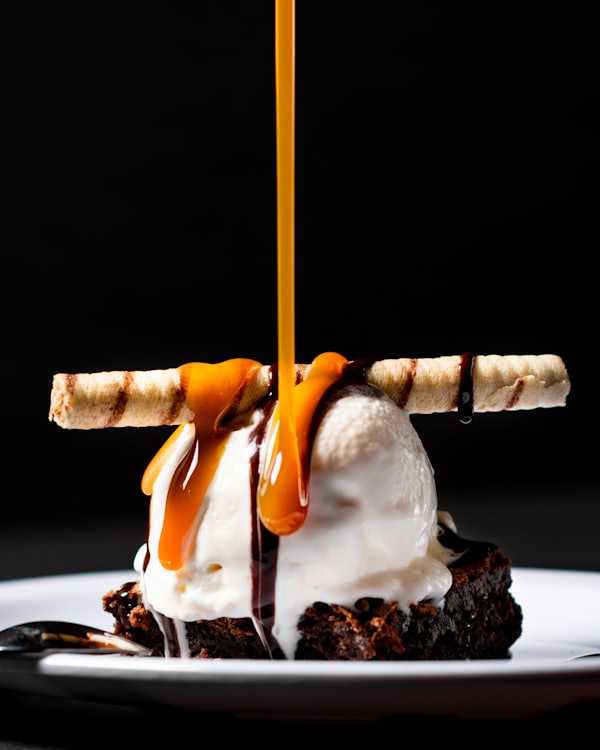
Short — last week’s pour
Going live in 30 — chat
One session, three networks, one calendar.
Chat, and only chat.
Worth knowing before you plan a campaign around it: an application can publish a chat message to a Kick channel and nothing else.
Connecting asks Kick for three things: your name, so the connection is labelled; your channel, so a scheduled message becomes a link someone can open; and permission to post in chat. Nothing else about your account is requested.

Streaming on both? Write it once.
Twitch works the same way — chat only, 500 characters a message, long captions split into replies. Pick both channels on one post and the same announcement goes out to each, at the same minute.
See the Twitch integrationAnnounce it automatically
A schedule trigger and one action is enough to have your channel post its own go-live message every week, with the copy written for you.
See WorkflowsNever miss the go-live shout again.
Connect Kick and queue your next channel message in a minute.