


















 Social · TikTok
Schedule TikTok like everything else.
Plan short-form weeks ahead, publish at the times your audience is actually watching, and send the same vertical cut to Reels and Shorts without exporting it three times.
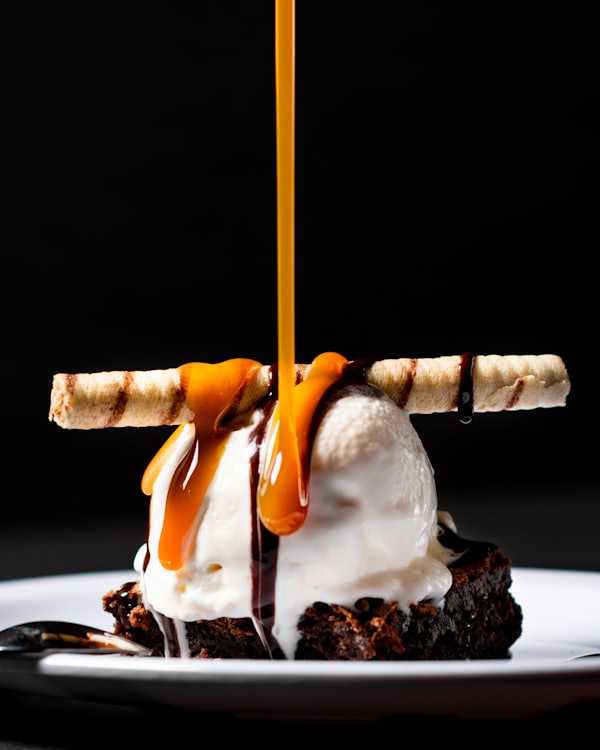
@roastery
Three layers, zero shortcuts. 🍰 #dessert #bakery
Scheduled
Thu, 18:00
Published
Make it once. Post it to TikTok, Reels and Shorts.
A vertical video is a vertical video. Select TikTok, Instagram and YouTube on one draft and the same cut goes out to all three at the same minute — with a caption written for each network instead of one pasted everywhere.
- One upload, no re-exporting
- A caption per network, or the same one everywhere
- Each network checked against its own limits before it posts
TikTok Reels
Reels Shorts
Same cut, a caption written for each network, all at the same minute.
Carousels, not just video.
TikTok photo posts reach the same For You feed as video. Schedule up to 35 photos as one swipeable post, give it a title, and let TikTok add music to it.
- Up to 35 photos in one post
- A title of its own, separate from the caption
- Music added automatically, or left silent




Title
A morning at the roastery
Who can watch, and what they can do with it.
Every TikTok post has its own settings, and Ocoya shows them in the composer for each account you post to: who can see the video, and whether people can comment, Duet or Stitch it. The privacy choices come from TikTok for that account, so what you pick is what TikTok will accept.
- Everyone, followers, friends or only you
- Comments, Duet and Stitch switched on or off per post
- Different settings for each account on the same draft
Who can watch
Let people
Promotional posts labelled the way TikTok asks.
If a video promotes your own brand or is a paid partnership, TikTok wants it disclosed. Mark it in the composer before it goes out, and flag AI-generated content the same way, so a scheduled post never breaks the rules while you are asleep.
- Your brand or branded content, disclosed on the post
- AI-generated content labelled
- Checked before scheduling, not after TikTok refuses it
Your brand
Promoting yourself
Branded content
Paid partnership
Labelled “Promotional content” on TikTok, the way the rules ask.
Short-form rewards consistency, not spontaneity.
The accounts that grow post on a rhythm. That is a scheduling problem, and it is the one Ocoya solves.
Stop posting from your phone
Upload the cut once, pick the slot, and let it publish itself — instead of setting an alarm to post at the right time.
The same video everywhere
A vertical video is a vertical video. Send the same cut to Reels and YouTube Shorts in the same move, with a caption tailored to each.
Captions and hashtags written for you
Generate the caption from the video idea, pull from your saved hashtag libraries, and keep the brand voice consistent across every post.
A real content plan
See a month of short-form next to everything else you publish, so the calendar shows the gaps before your audience notices them.
The limits, before you hit them.
Ocoya checks these while you write, rather than letting the post fail on the day it was meant to go out.
Your TikTok account needs to be able to post publicly. Private and restricted accounts cannot publish through any scheduling tool.
A month of short-form from one prompt
Describe the campaign and let Ocoya draft the captions, pick the hashtags and lay the whole run out across the calendar. You approve the queue and attach the cuts.
See CreateGet your short-form on a schedule.
Connect TikTok and queue your next week of video in one sitting.